
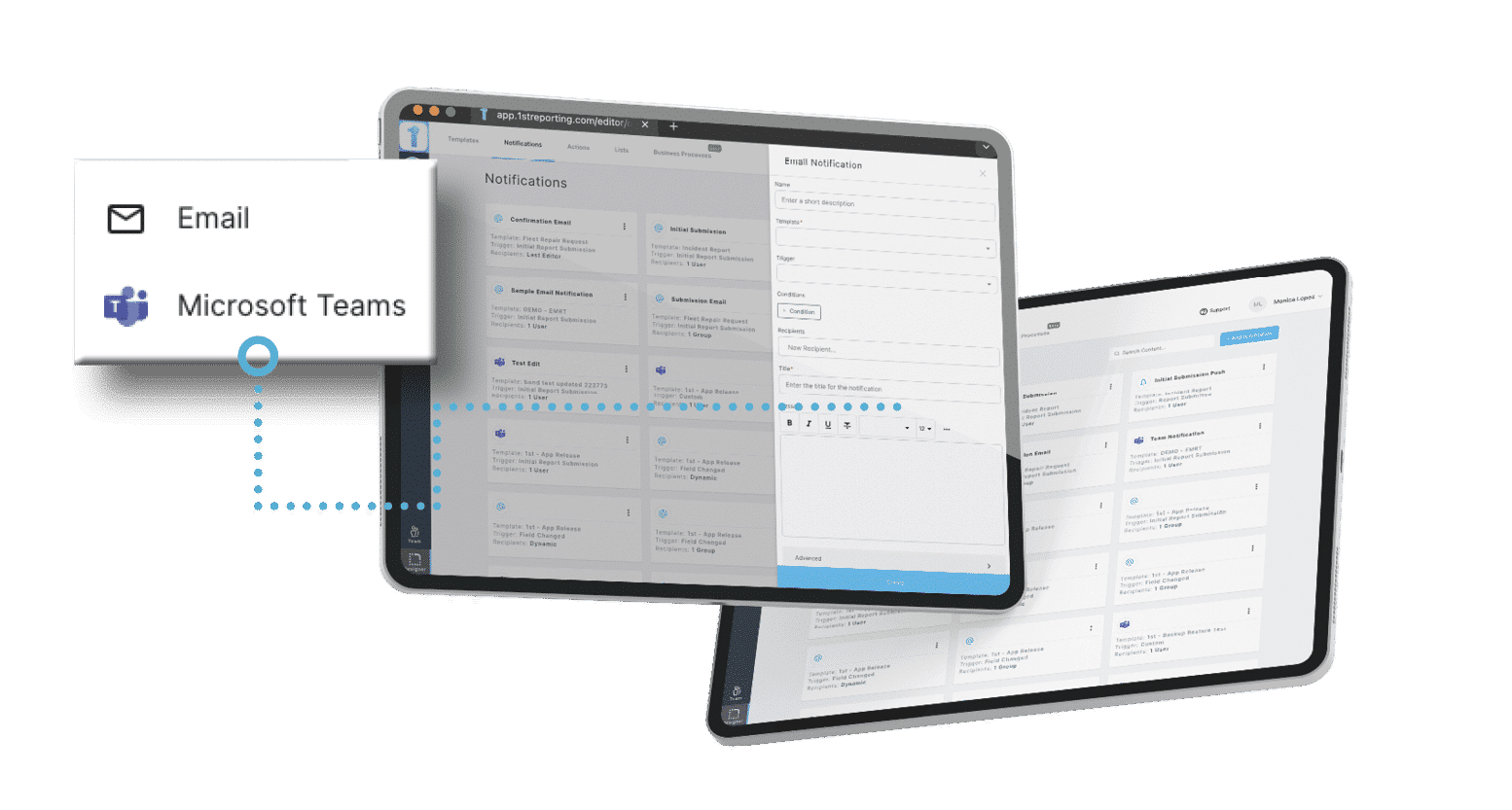
Multi-Channel Alerts for Maximum Reach
Email or Microsoft Teams: you choose how your team receives updates. No matter where they are, users stay informed and connected in real time.
Features
From incident report notifications to team-wide alerts, 1st Reporting helps you communicate in real time across email and Microsoft Teams®.
The problem
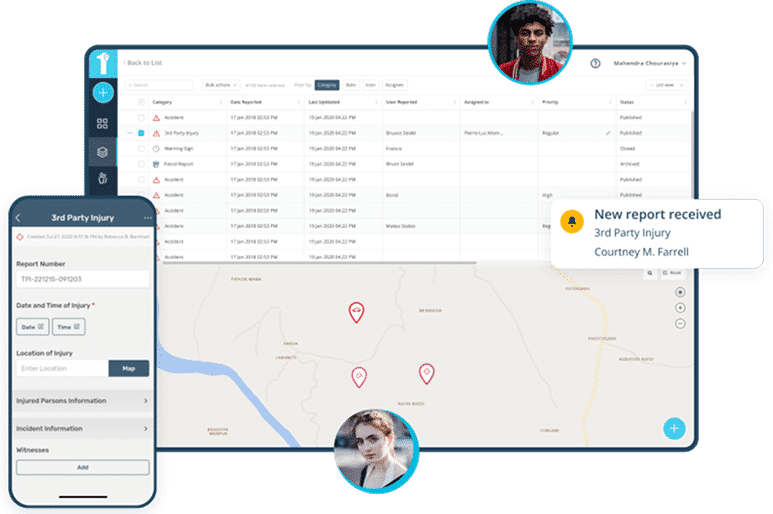
Delays in communication can lead to missed issues, safety risks, or compliance failures. 1st Reporting’s automated notifications system ensures the right people get the right information instantly. Whether you’re sending incident report notifications or escalating urgent tasks, fast, targeted alerts keep your team responsive and accountable.
Email or Microsoft Teams: you choose how your team receives updates. No matter where they are, users stay informed and connected in real time.
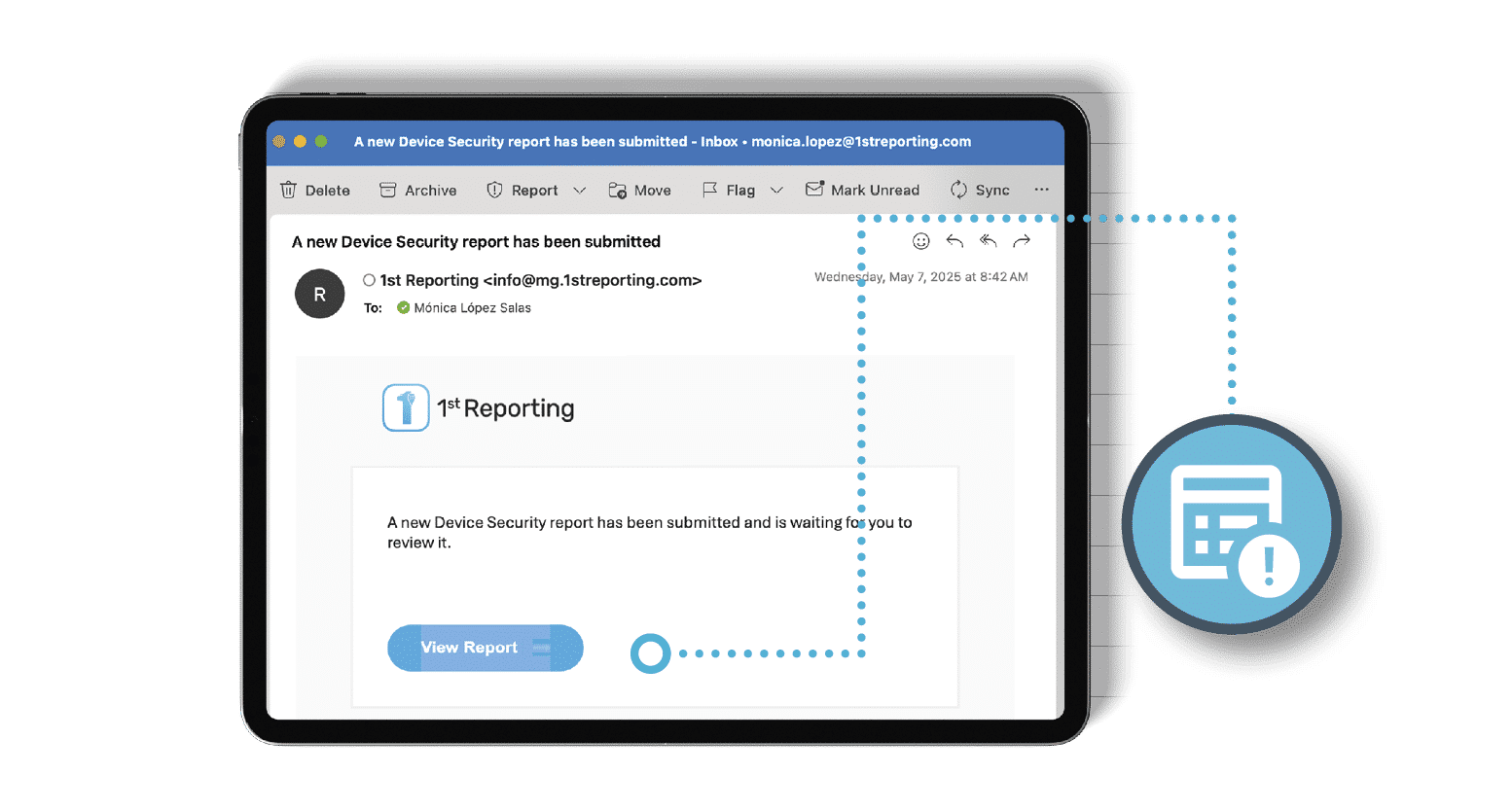
Set rules based on report fields, conditions, and other options for a truly customizable communication experience. Create fully automated notifications that align with your operational needs, reducing manual follow-ups and optimizing communications.
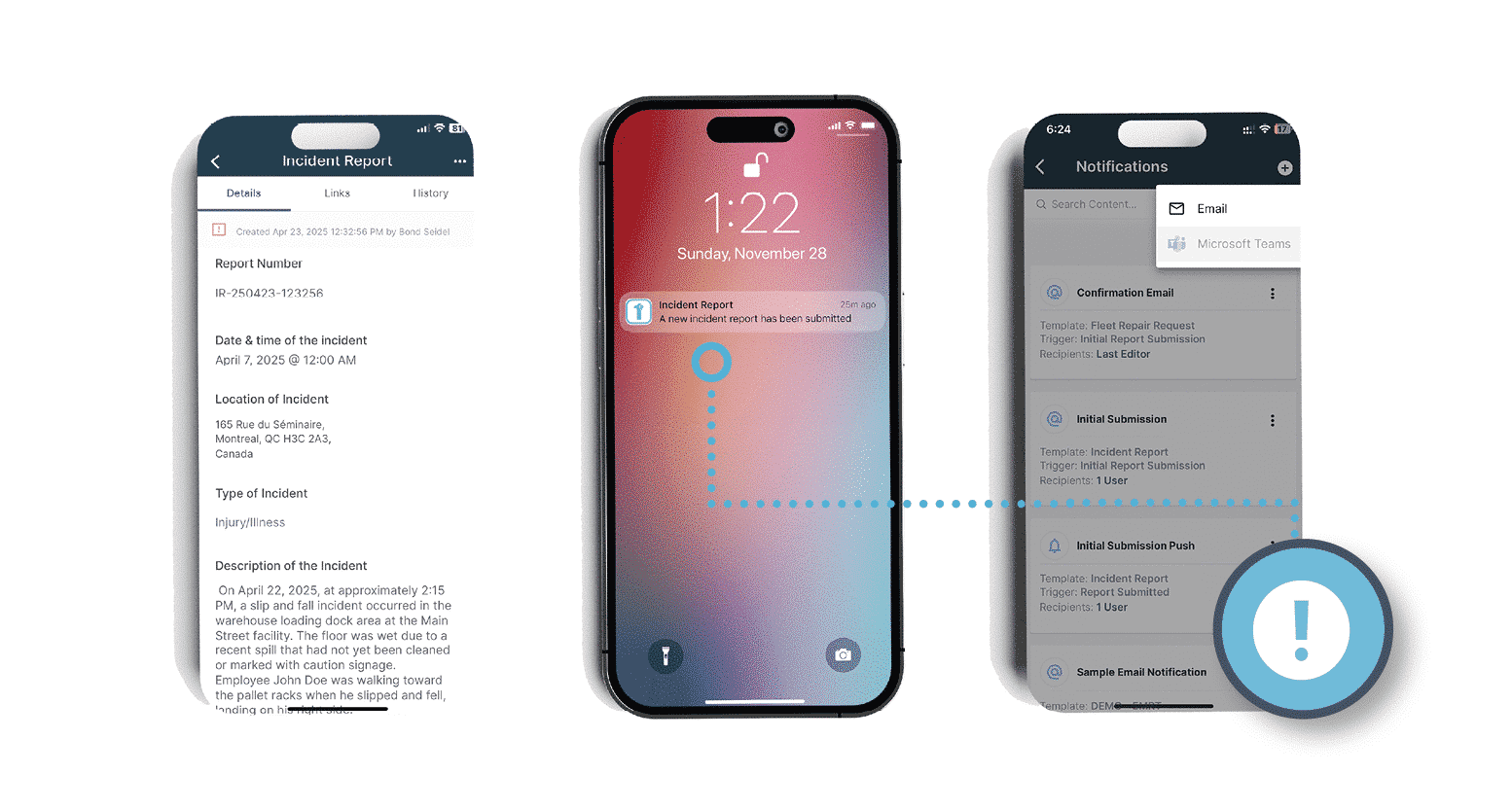
Critical events need immediate attention. Define escalation paths so unresolved or high-risk incidents are automatically routed to supervisors or managers — with zero delay.
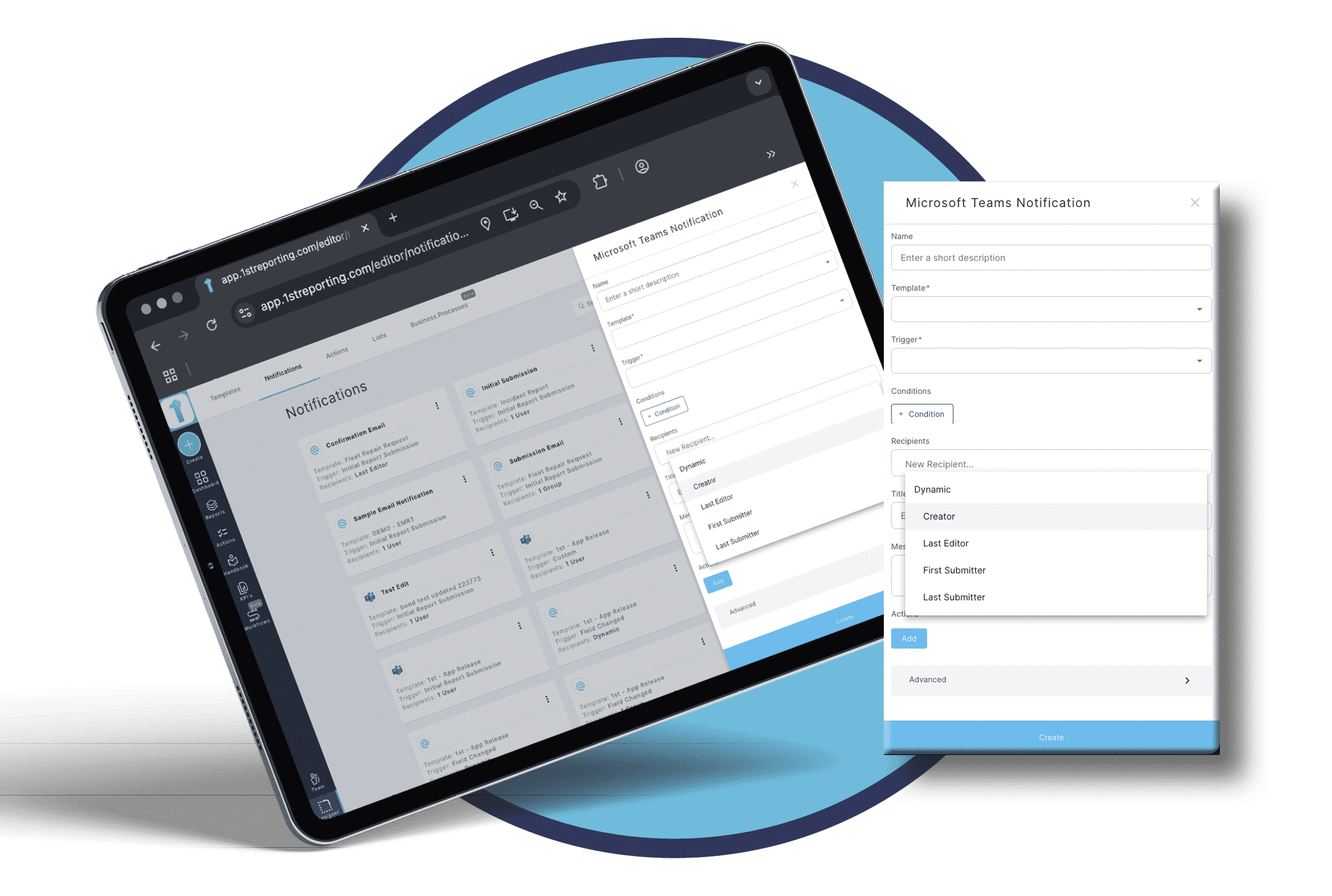
Give your team control without losing visibility. You can manage user access level and notification settings to avoid overload while staying aligned on what matters.
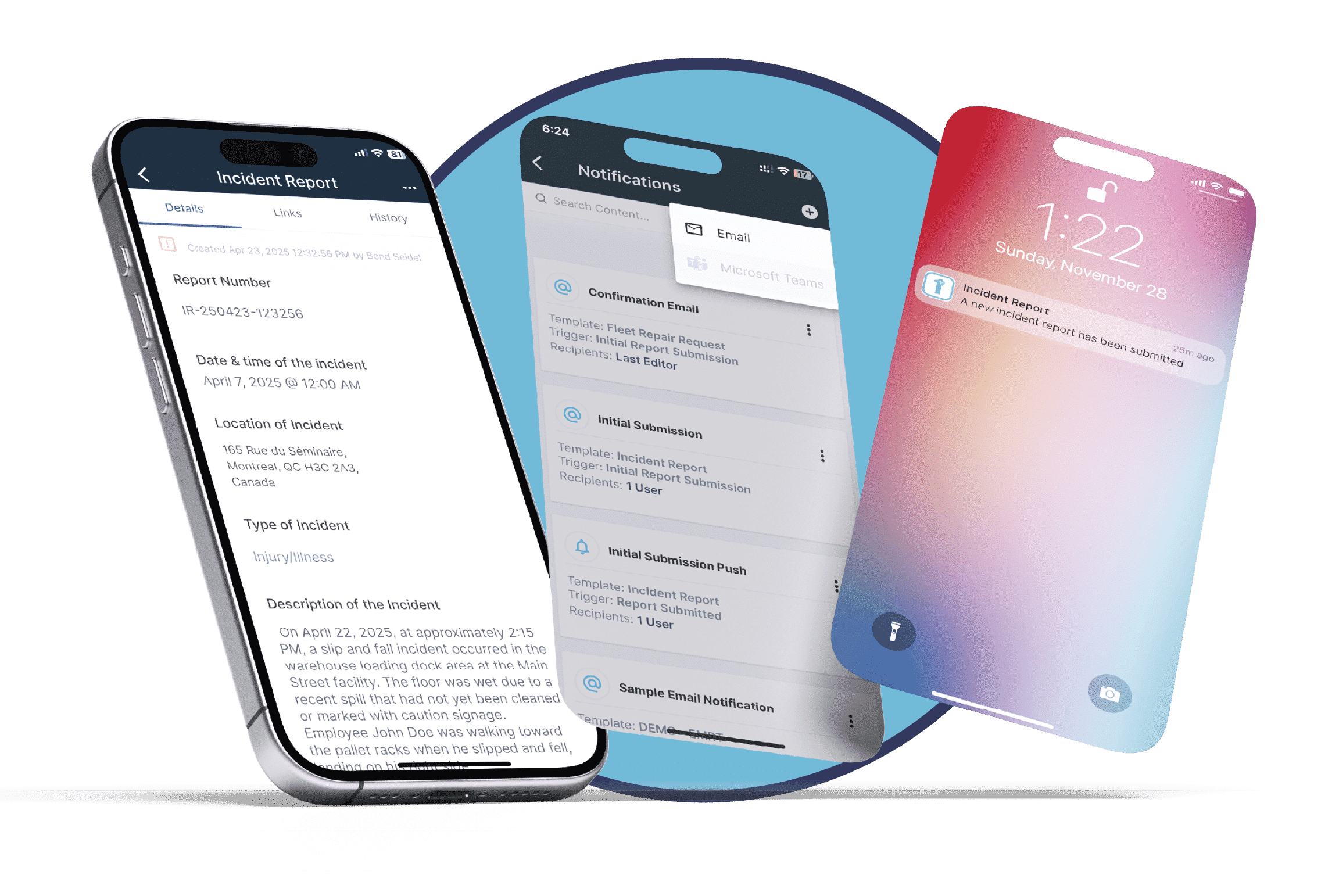
Whether on-site or in the office, teams need real-time awareness. 1st Reporting’s incident report notifications are mobile-friendly, clear, and always delivered when you decide they’re needed most.
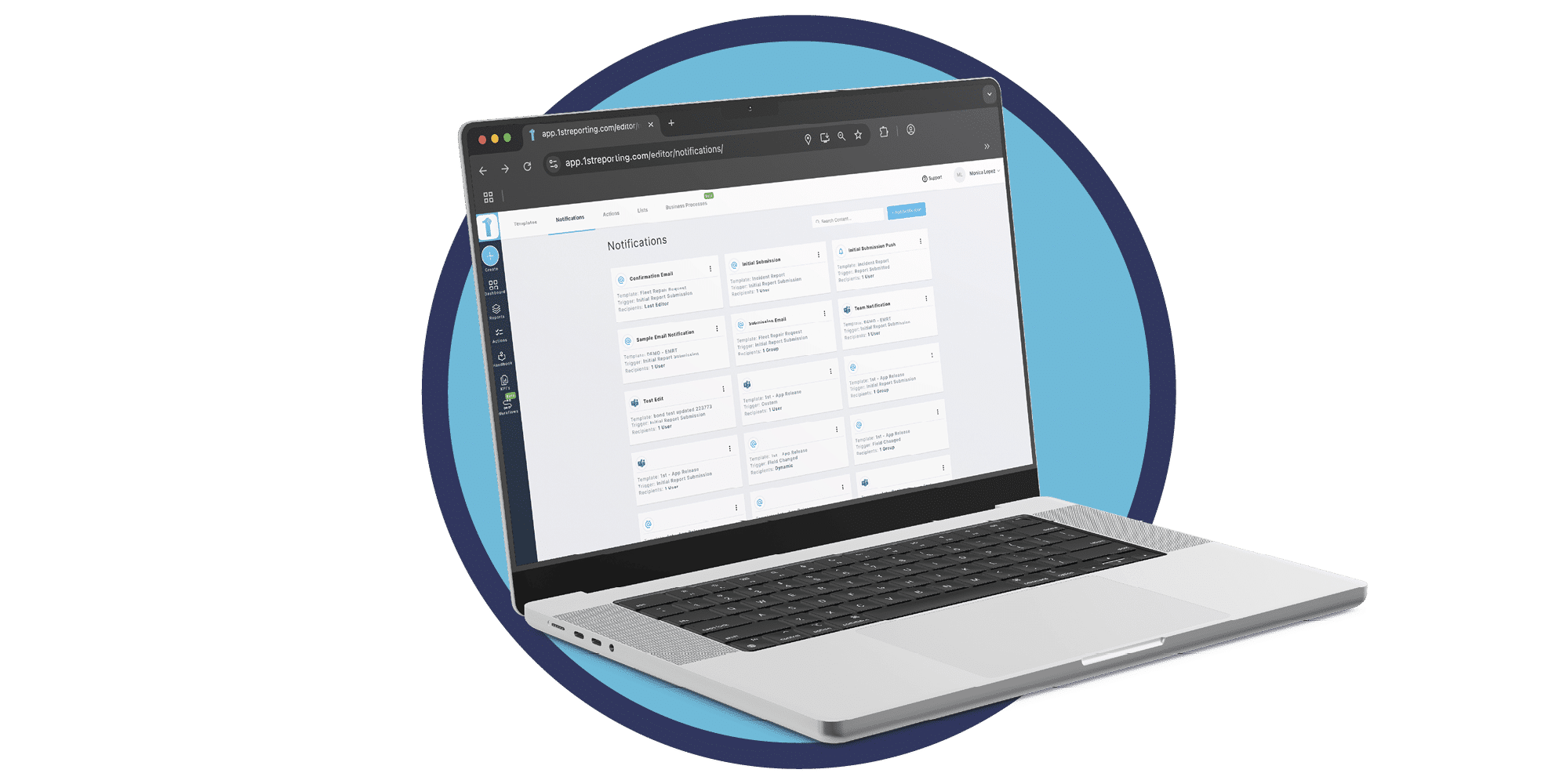
Automate what matters, from form responses to final approvals, and let your team focus on the work that really moves things forward.
You can send alerts via email or Microsoft Teams® and customize them with specific triggers, conditions, messaging, and recipients for total control.
Yes. You can set rules that automatically trigger notifications when specific report types or even specific report fields are submitted or updated. You also have the choice to decide on conditions required in order to trigger the notification giving you unprecedented control over automated communications.
You can define specific time delays for notifications as well as triggers and customized conditions. Our notification system is genuinely customizable, unlike many other platforms that box you in with a lack of customization management.
Admin-level users set the notifications so appointed team members cannot turn them off and ignore important communications.
Yes, all notifications are mobile-optimized and deliver reliably across platforms to ensure field teams are always in the loop.
Sales support
Talk with our team about a trial, a demo, or the right plan for your organization.