Features

Asset Catalogs Built for Structured, Intelligent Reporting

Create reusable asset types with custom fields, photos, and unique IDs. Link them directly into your reports and track where every item is used across your organization.

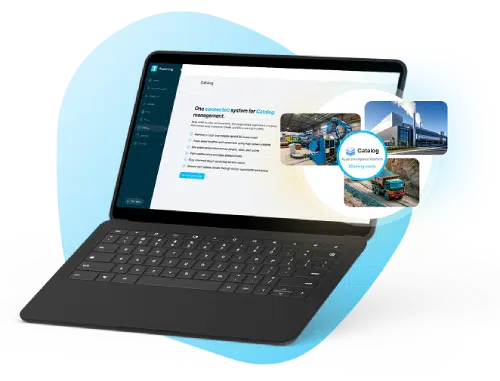
Catalog management on a laptop with asset intelligence overlays

The problem

Standard reports don’t structure your operational assets

Vehicles, equipment, locations, and people show up in field reports every day — with inconsistent names, duplicate IDs, and missing photos. Asset Catalogs replace that fragmentation with reusable, structured records you can link into every submission.

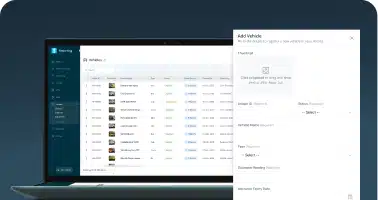
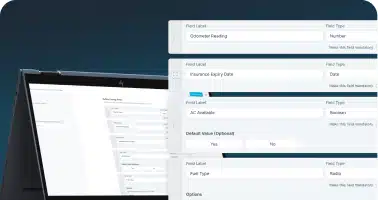
Custom catalog field builder with labels and field types

Build Structured Asset Types

Define unlimited catalog categories such as Vehicles, Equipment, Sites, or Personnel. Each type includes built-in system fields like Unique ID and photo support, along with fully customizable data fields.

Asset catalog table and detail panel management view

Easy Asset Management

Search, sort, and manage asset records from web or mobile. Update details, upload images, and archive items in seconds using intuitive table and panel views.

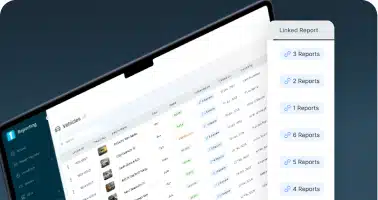
Linked reports panel showing assets tied to submissions

Dynamic Report Linking

Attach assets directly inside reports using the Catalog Reference field. Eliminate re-typing and ensure consistent, standardized asset data across submissions.

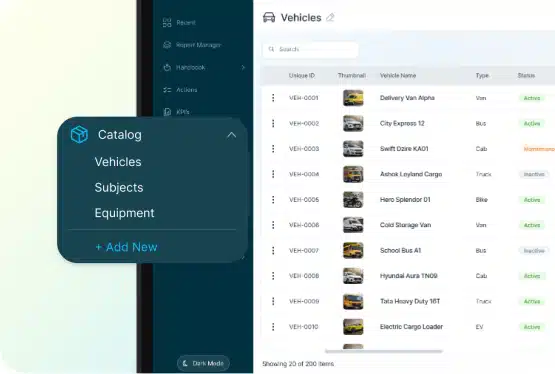
Catalog menu and searchable asset lists

Instant Access from the Catalog Menu

All catalog types appear under a centralized “Catalogs” heading in your main menu. Users can quickly navigate to the category they need and view assets in clean, searchable lists.

Full Visibility into Asset Usage

Each catalog item displays the reports it’s linked to, giving administrators real traceability across the organization.

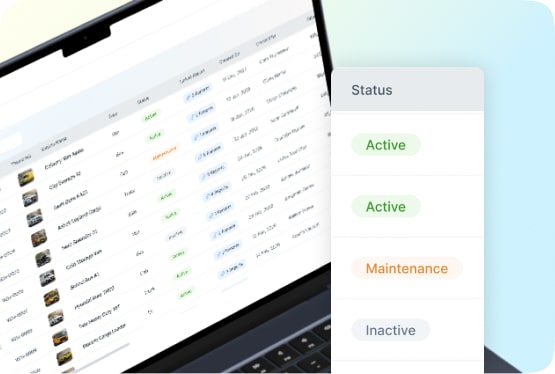
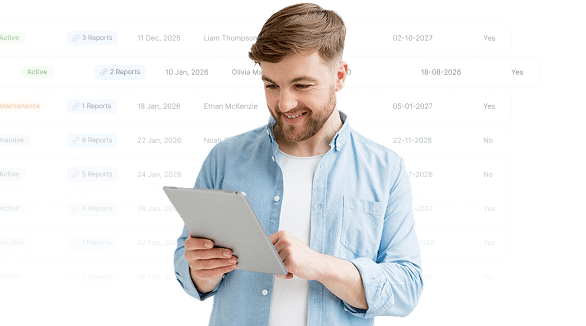
Asset status table with Active, Maintenance, and Inactive labels
Field operator reviewing asset-linked reports on a tablet

Bring Structure to Your Operational Data

Transform disconnected reporting into a searchable asset intelligence system built for real-world field operations.

Frequently Asked Questions

What are Catalogs in 1st Reporting?

Catalogs allow your organization to define reusable asset types (like Vehicles, Equipment, Locations, and more) with structured fields and images. These assets can then be linked directly to reports to ensure consistent, searchable, and traceable data across your operations.

Can I customize the fields for each catalog type?

Yes. Every catalog type includes built-in system fields (Unique ID, Name, Photos, metadata) and fully customizable fields such as text, numbers, dates, dropdowns, multi-select, yes/no, and notes — so you can capture exactly the information your team needs.

Can catalog items include photos?

Absolutely. Every asset can have a primary photo and additional images. This is ideal for equipment, locations, vehicles, or any other asset where visual context matters.

How do I link assets to my reports?

When building a report template, simply add the Catalog Reference field. Users filling out a report can then select existing assets from the catalog instead of typing entries manually — ensuring accuracy and consistency.

Can I link more than one asset to a report?

Yes. The Catalog Reference field can be configured to allow single or multi-select, so you can attach one or many assets depending on your workflow needs.

Will I be able to see where an asset is used?

Yes. Each catalog item shows where it’s been referenced in reports, including which report template, who submitted it, and when. This gives you real traceability and insight into asset usage across your organization.

Is Catalogs available on mobile?

Yes. Catalogs are fully mobile-optimized. Users can search, view, and link assets directly from mobile devices when completing reports in the field.

Can I archive or delete assets?

Yes. Assets can be archived when they’re no longer needed. Archived items remain traceable in historical reports without cluttering active catalog lists.

Do I need admin access to create catalog types?

Typically, catalog creation and field configuration are controlled by administrators or users with appropriate permissions. Viewing and selecting assets in reports can be granted to role-based users according to your org’s settings.

Can I export asset data?

Exporting catalog data is planned for future phases — if this is a high priority for you, let us know so we can help prioritize based on customer demand.