

Today, we’re discussing how utilities can streamline crew onboarding with digital reporting tools and not the traditional onboarding software. We’re talking about how digital tools streamline not only the onboarding process, but also field, equipment, or site-specific training. Furthermore, we’ll demonstrate how these tools significantly enhance onboarding, training, accountability, and management, while also proving highly useful for day-to-day operations.
So, if you’re ready to sharpen your company’s onboarding and reporting processes and mobile reporting infrastructure, then keep reading because you’re in for a load of tips, tricks, and efficient ways to improve training, reporting, documentation, and field workflow standardization, accountability, and management. That’s a mouthful, but when we deliver, we really deliver. Let’s dive in.
Why Crew Onboarding in the Utilities Sector Needs a Digital Overhaul
High turnover and risk are both serious concerns during any utility-related onboarding process. Safety risks, of course, are our primary concern during any onboarding process, but especially those we face in the utility sectors. In fact, 35% of workplace injuries occur within the first year of employment. (National Safety Council, 2024)
Crew training and onboarding, especially operations that relate directly to high-risk equipment or locations, are of vital importance to the safety of new employees. As most accidents happen within the first six months of working at a new employer, crew onboarding proves to be our first line of defense to ensure the safety of new employees, whether in the office or the field. (Utility Contractor Magazine, n.d.)
With rising complexity in the utility sector, it’s no surprise that many organizations need to perform a digital overhaul and implement digital reporting tools, right from the onboarding day one. Introducing new employees to automated workflows and field team management via digital reporting tools is a smart move. You don’t need to have specific onboarding software to do it either.
You need to create a digital onboarding process that involves the utility operations relevant to the role of those whom you need to onboard in a digital format. Don’t worry, we’re going to get into that.
However, for the sake of both efficiency and safety in the field, first let’s consider what we mean by digital onboarding to ensure we’re both on the same page. So you understand the full value of what digital reporting software can do for your organization.
What Is Digital Onboarding—and Why It’s Crucial in Utility Field Operations?
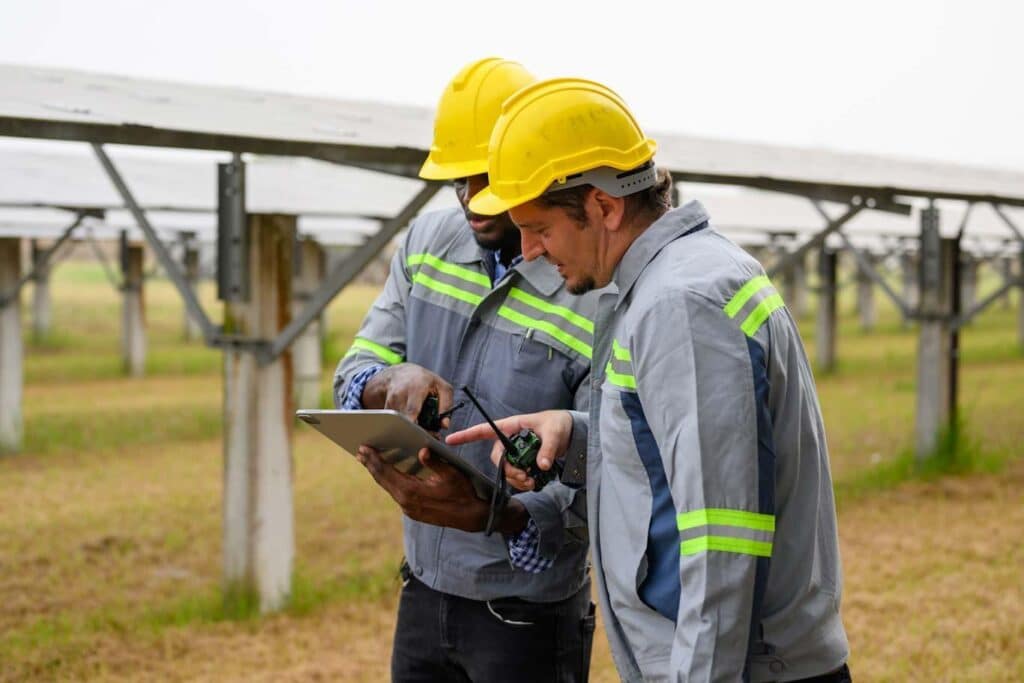
Digital onboarding can mean slightly different things, depending on the specific utility operations scenario and the situations involved with the role. For instance, digital onboarding for back-office operations, customer digital onboarding, or onboarding field staff can have varied meanings. So, what is digital onboarding?
Digital Onboarding for Field Staff
Digital onboarding for field staff refers to the use of technology—such as mobile devices, tablets, or laptops—to deliver and document training in both in-office and remote environments. This process may include safety instruction, equipment walkthroughs, jobsite protocols, and task-specific assessments, all completed digitally at the point of work. The goal is to ensure readiness, compliance, and accountability from day one, regardless of location.
Digital Onboarding for Back-Office Operations
Digital onboarding for back-office operations is the process of introducing and training new office-based employees using desktop or laptop computers. While similar in purpose to field onboarding, it typically occurs at a fixed workstation and relies less on mobile technology. Office onboarding focuses on internal systems access, policy training, role-specific tools, and documentation management in a centralized environment.
Digital Onboarding for Customers
Digital onboarding for customers involves using digital tools—such as web portals, apps, or automated messaging systems—to guide new utility customers through account setup, service activation, billing preferences, and communication options. While often effective, using separate onboarding platforms for customer and internal operations can lead to fragmented documentation and reduced efficiency across the organization.
No matter the type of onboarding experience required for your utility-related organization, using a single digital platform that can unify all three needs is the ideal solution. The question is: do you need to install and use software, or is there a better online onboarding solution?
What Does Online Onboarding Mean?
Online onboarding is the process of completing new employee training via a cloud-based or online platform. While solitary software installations may have been the norm of the previous decade, the better solution is to use a secure online onboarding solution. But, is it safe?
Yes, digital onboarding is safe as long as the service provider ensures your company’s data is secure with the latest encryption and security technologies. One way to tell if a company is using best security practices is by checking if they are ISO certified.
Security is essential, but it isn’t the only crucial part of utility onboarding software. Statistics show that digital training in the utilities sector, which boasts high user engagement rates, results in a reduction of incidents in the workplace by as much as 70%. (TalentMap, n.d.)
Digital onboarding is not just software but also a process enhancement. The right software may not be software designed explicitly for the sole purpose of onboarding. A superior solution will also prove to be of even higher value for documentation, field inspections, and acting as an all-around field service app for your mobile teams.
Top Challenges in Utility Crew Onboarding—and How Reporting Software Solves Them

Utility crew onboarding has its various challenges, as you are aware. However, we’re going to show you how digital onboarding in utility operations can use workflow automation and reduce paperwork to provide a structured onboarding process and surpass any onboarding challenges your teams face. Furthermore, as we review each of the biggest challenges, you’ll see how a digital reporting application can not only help your team overcome field training challenges, but also better manage field inspections and other reports as well.
Challenge 1: Inconsistent or Missing Documentation
In my many years managing field service teams and sending ‘green’ new staff out into the field to learn with lead hand technicians, one of the biggest challenges during training and onboarding was inconsistent documentation of training activities and incidents. The lead hands would review incident awareness and documentation, but prior to implementing onboarding software with a structured process, the documentation was inconsistent or missing at best. It was even more challenging to link onboarding to safety or compliance workflows, as the documentation was in paper format, requiring safekeeping, copying of files, and so forth.
Solution: Utilize a digital reporting tool that offers customizable onboarding forms and documentation. Furthermore, the solution is similar to the first Reporting app and includes dynamic field auto-completion to support consistency and accountability. In that case, you will be able to manage remote site training and onboarding processes easily, even from in-office.
Pro Tip: Try the 1st Reporting’s super form customizer, the AI-powered Template Genie, to see how creating custom and compliant onboarding forms is easy and effective. Not only that, but you can also use the AI-powered form builder to do custom form revisions, so the entire process is powerfully efficient.
Challenge 2: Communication Delays and Information Gaps
If you manage any onboarding process that relies on paper-based documentation, then I’m certain you’ve faced those hated communication delays and information gaps in paperwork. This scenario is often experienced with delayed communication between supervisors and field crews training at remote locations. Jobsite documentation is frequently delayed, not necessarily on purpose, as mailing in an onboarding form from a remote location can be challenging.
Communication delays, whether in onboarding or day-to-day operations like field inspections, are only a part of this equation. The other significant challenge utility supervisors face is the difficulty in customizing reports or forms for specific training steps. This lack of easily customized onboarding leads to missed communications and sometimes a loss of the sense of importance of particular safety training, as well as failures in the retention of safety-related information.
Solution: Utilize a digital reporting solution, such as the 1st Reporting application, to create customized onboarding forms and eliminate the risk of information gaps. Furthermore, real-time reporting enables management to resolve the challenges of communication delays, especially by using the custom notifications and broadcasting features. These system features are a powerful tool for sending trainees alerts, safety warnings, and procedures in real-time.
Challenge 3: No Real-Time Visibility into Progress or Location
Onboarding new team members in-house is one thing, but when it comes to the inevitable time field team members must complete site-specific training at remote locations, a lack of real-time visibility into onboarding progress can be a real stopgap to improved communication efforts.
Furthermore, remote location training makes standardizing onboarding procedures across locations a regular challenge. But it doesn’t have to be that way. In fact, you don’t even need to use specific onboarding software to ensure you have real-time visibility on-site.
Solution: Utilize a mobile reporting tool like the 1st Reporting app to centralize information storage and sharing, gain real-time visibility into onboarding processes, ensure workforce accountability, and implement a more efficient standardized onboarding and reporting process, regardless of location.
Pro Tip: The 1st Reporting application includes GPS-integrated features to help enforce accountability and create more safety-focused yet efficient and effective workflows. Did you know that, in 2022, the utilities sector reported only 1.7 injuries per 100 FTEs? This accomplishment was made possible and directly improved by proper incident reporting and tracking. (BLS, 2023)
Challenge 4: Lack of Standardization Across Locations or Supervisors
A lack of standardization across locations is not something that I wish you would face. During my years working with and managing industrial technicians, I found that paper-based onboarding, particularly regarding location-specific training, posed more than just a challenge – it was a real headache. Don’t even get me started on how this affected workforce accountability or safety compliance across locations.
Although onboarding software would be helpful in this scenario, if it isn’t mobile, it’s of little use. You need a solution that enables standardization across locations, supports company-wide safety and onboarding or training initiatives, and is also customizable for specific location training needs.
Why Paper Is Non-Standardization Friendly
Right off the top, when I think of using paper onboarding documentation, I can’t help but cringe at how backward-thinking this millennia-old method has become:
- It has no centralized dashboard for managing training and tasks
- It has no efficient way to assign, track, or verify onboarding tasks remotely
- It provides no role-based access, reusable workflow templates, or KPI reporting for auditing onboarding consistency
You know what includes all of the above? The 1st Reporting application.
Solution: Utilize a digital reporting and cloud-based solution, such as the 1st Reporting application, to create standardized documents, forms, and reports across locations, ensuring they are shared with authorized team members. That is, no more miscommunication between supervisors about what was or was not communicated–it’s all secure and online with 1st Reporting.
Challenge 5: Paperwork Bottlenecks and Manual Errors
At this point, you’re probably thinking, okay, but what about the paperwork bottlenecks or those pesky human manual errors? Using a field reporting application as your onboarding software–the answer to the paperwork bottlenecks and manual errors of old. Let me explain how:
Manual paperwork causes delays. It’s also prone to errors due to the lack of formality when collecting specific information. That is, a field personnel might decide to skip a form field where vital information is needed. With a digital reporting tool, you can include required fields that prevent the field team member from proceeding with their report until all the necessary fields are completed.
Solution: Reduce the potential for error with a customizable digital form inside a reporting tool like the 1st Reporting app. You can help improve your team’s paperwork processes, eliminating both paperwork bottlenecks and the potential for manual errors. You can even use the application to customize workflow automation to ensure follow-up reports, training, testing, and other onboarding tasks are completed in the order you need them.
Pro Tip:
In 2020, the utility construction sector reported 73.6 injuries per 10,000 FTEs. As such, many of these injuries (if not most) were preventable through the use of digital reporting systems and procedures. (Haas Alert, 2024)
Utilize a comprehensive field reporting solution, such as the 1st Reporting application, to help reduce your organization’s injury rates by enhancing safety training, onboarding, and documentation. You’ll likely notice a nice reduction in errors through the workflow automation and centralized information availability using the Handbook features as well.
The Role of Reporting Tools in Safety, Compliance, and Accountability
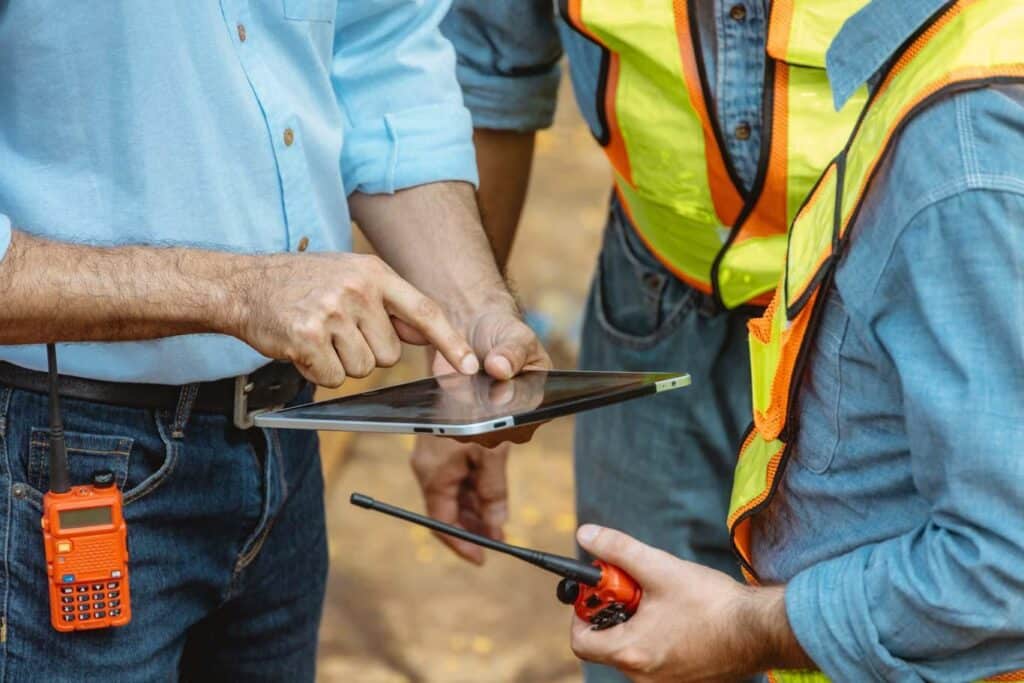
By now, I’m sure you understand the role of reporting tools in safety, compliance, and accountability, as well as the direct relationship between using those tools and improving onboarding and safety training. However, let’s review to ensure you haven’t missed one of the not-so-obvious benefits.
Starting an onboarding process with the apparent reliance on digital tools for safety reporting and documentation starts new hires with a strong sense of safety in the workplace, no matter their location. Using these digital tools during onboarding and training helps to instill proper and comprehensive documentation practices, especially where safety and compliance are concerned. This fact highlights the importance of digital reporting tools, not only in initial training and digital onboarding, but also as a crucial tool for maintaining safety compliance in field reporting and utility operations.
Remember, for workforce accountability during the onboarding process, you don’t necessarily need specific onboarding software. Onboarding-specific software is typically only good for that singular purpose, and it often provides limited accountability tracking for field team activities outside of the onboarding process, making it only useful for its intended singular purpose. Specialization can be beneficial, but it also creates a barrier between your onboarding and real-time management objectives.
Furthermore, onboarding software that is specifically designed often lacks integration features to work in tandem with existing HR or training systems. Similarly, it may lack the event linking capabilities or workflow automation available with the 1st Reporting application to ensure tasks like PPE orientation are not skipped. Moreover, event linking using the 1st Reporting form elements in the customizer ensures that compliance follow-up or post-training safety testing is completed and documented appropriately, attached to the specific new team member it applies to.
Pro Tip: Use a digital reporting system to promote safety and accountability. A safe working culture starts at onboarding, and high engagement drops incidents dramatically. (TalentMap, n.d.)
Building a Structured and Scalable Onboarding Process with 1st Reporting
We discussed onboarding software and its limitations in digital onboarding for utility operations. We talked about how it often lacks a smooth integration with other HR systems, reporting systems, and general safety documentation processes. We also examined how this software frequently underperforms in providing an enhanced new hire experience.
Let’s explore how to onboard a new crew using the 1st Reporting application, creating a structured and scalable mobile onboarding process.
- You sign up your team to the 1st Reporting application and set their user roles.
- Using the app’s powerful AI-powered form builder, you create dynamic forms and onboarding documents. You can even generate safety tests and questionnaires for your teams to complete, specifically tailored to the equipment and locations they will work with or at.
- Set up your preferred KPI reporting and test out the application with your first report.
- Explore the application’s task and workflow management features to create custom onboarding tasks and training.
Whether you’re starting as a small team or just starting to build out solutions for an organization, the customization and role management features make the 1st Reporting application the ideal technology solution for all of your onboarding, training, document or media sharing, and full operations report customization and management. In other words, the 1st Reporting application is a powerful tool for fully customized, scalable, and mobile onboarding and operations reporting and management. You can create and assign training tasks, build dynamic onboarding workflows, and more right from your desktop or mobile device to any team member’s mobile device where the application is installed.
Enterprise Tip: Discuss the enterprise API feature with the 1st Reporting team. The development team is always happy to help with API integration for our Enterprise clients.
Unlocking Long-Term Operational Benefits Through Better Onboarding

If you haven’t yet realized the value of a digital reporting tool for use with your onboarding procedures, here are a few more points to ponder relating to unlocking long-term operational benefits through better onboarding. Consider these improvements to your onboarding and even day-to-day operations:
- Reduced incident rates from more engaging digital training
- Improved employee retention through an efficient and effective safety culture
- Faster time-to-productivity with more advanced real-time insight into training and onboarding processes in the field
- Fewer compliance violations with digital documentation of training and standard operating procedures
- Improved team morale from more effective reporting and communications
All of these benefits serve your organization’s training and onboarding needs, while also supporting normal daily operations, field safety, and compliance.
Your Digital Onboarding Blueprint Starts Here
We cannot stress enough the importance of modernizing your onboarding processes for safety, scale, clarity, accountability, and effectiveness. In this article, we’ve shown that digital reporting tools, such as field team software like the 1st Reporting application, help improve not only onboarding but also utility operations and safety compliance across locations. In fact, it’s the only field service app your organization needs to digitally manage onboarding, training, safety documentation, and field reporting in one unified and intuitive solution that’s easily learned for maximum onboarding and operational effectiveness.
Digital reporting tools don’t just solve key utility sector pain points; they also address all industry onboarding challenges, particularly those involving multiple locations, real-time communications, or mobile teams.
Please don’t take my word for it. Try the 1st Reporting app for yourself, or if you’re short on time, book a demo with one of our digital reporting experts to discover how digital reporting can advance your organization’s onboarding and operations.
Sources
- National Safety Council. 2024. “The State of Workplace Safety: Key Findings from OSHA’s 2023 Data.” NSC blog, published ~May 2024. https://kpa.io/blog/the-state-of-workplace-safety-key-findings-from-oshas-2023-data
- Haas Alert Team (citing U.S. Bureau of Labor Statistics). 2024. “The State of Safety in the Utility Industry.” Haas Alert blog, September 10, 2024. https://www.haasalert.com/blog/utility-industry-safety
- U.S. Bureau of Labor Statistics. 2023. “Workplace Fatality and Injury Statistics: Utilities Industry.” BLS Occupational Safety and Health Statistics Program, data through 2022. https://en.wikipedia.org/wiki/Occupational_safety_and_health
- Utility Contractor Magazine. n.d. “Employee Safety Training and Orientation.” Utility Contractor Magazine. https://utilitycontractormagazine.com/employee-safety-training-and-orientation/
- TalentMap. n.d. “Utilities.” TalentMap website. https://talentmap.com/utilities/